
How to Create Zone file
In the second image as shown we have to create the zone sections.
Zone “example.com” IN {
type master;
file “forward.example.com”;
Allow-update { none; };
};
Zone “1.168.192.in-addr.arpa” IN {
type master;
file “reverse.example.com”
Allow-update { none; };
};
#named-checkconf -z /etc/named.conf → to validate the configuration file.
$ After that we have to start and enabled the service
# systemctl start named
# systemctl enable –now named
# systemctl status named
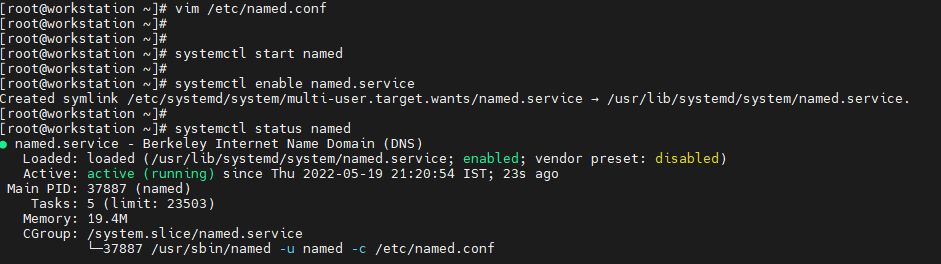
$ you can see that named service is enabled , now we have to add one port on the firewall but it works on two protocols tcp and udp.
# firewalld-cmd –permanent –add-port=53/tcp
# firewalld-cmd –permanent –add-port=53/udp$ After that reload the firewall then check the port are added or not
# firewalld-cmd –reload
# firewalld-cmd –list-all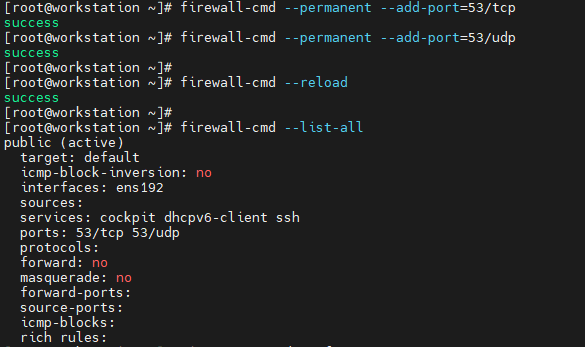
No comments to display
No comments to display