🚫 PRODEVANS CONFIDENTIAL – Do Not Copy or Share 🚫
Skip to main content
Enable APIs & Services
Enable APIs & Services
Steps:
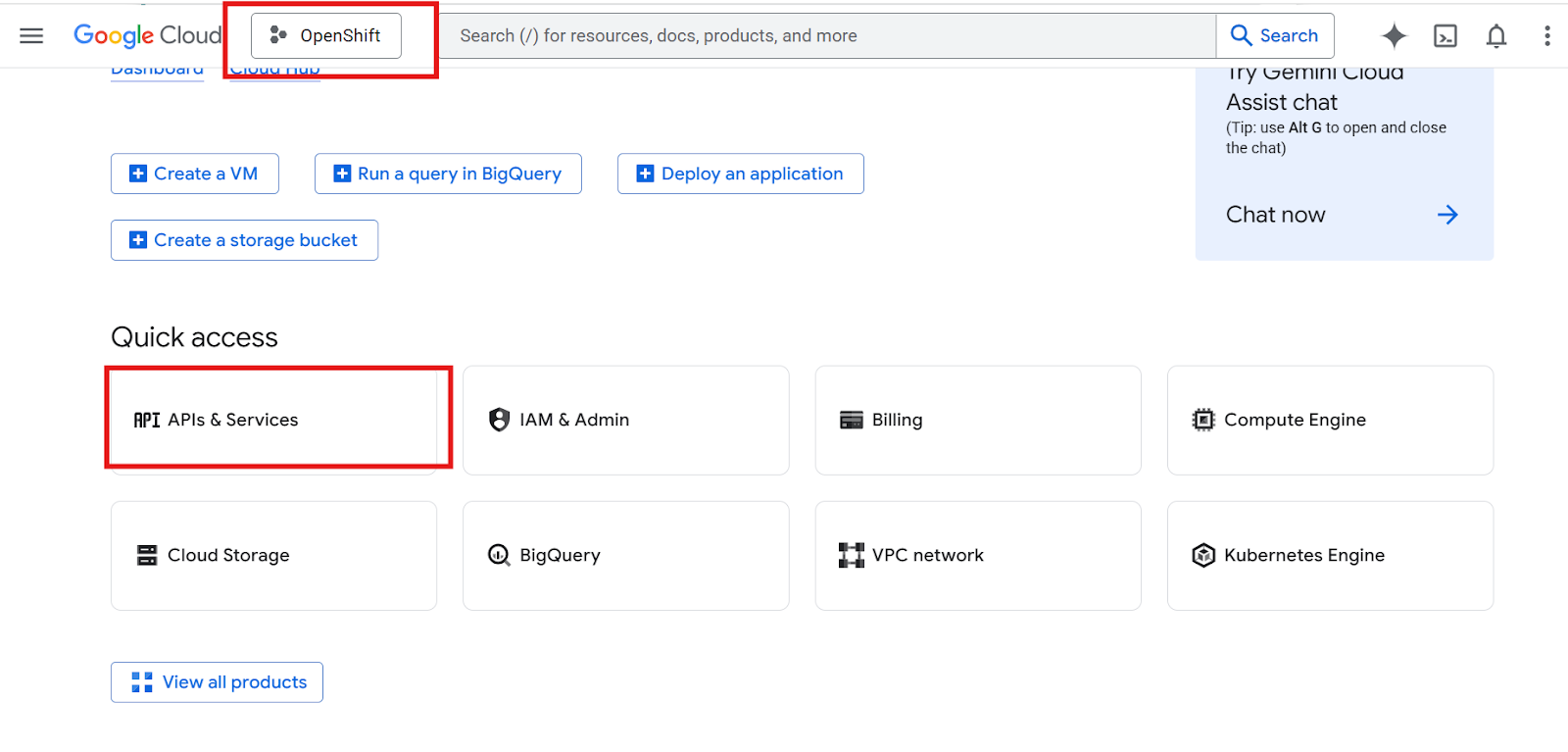
1. Go to "APIs & Services"
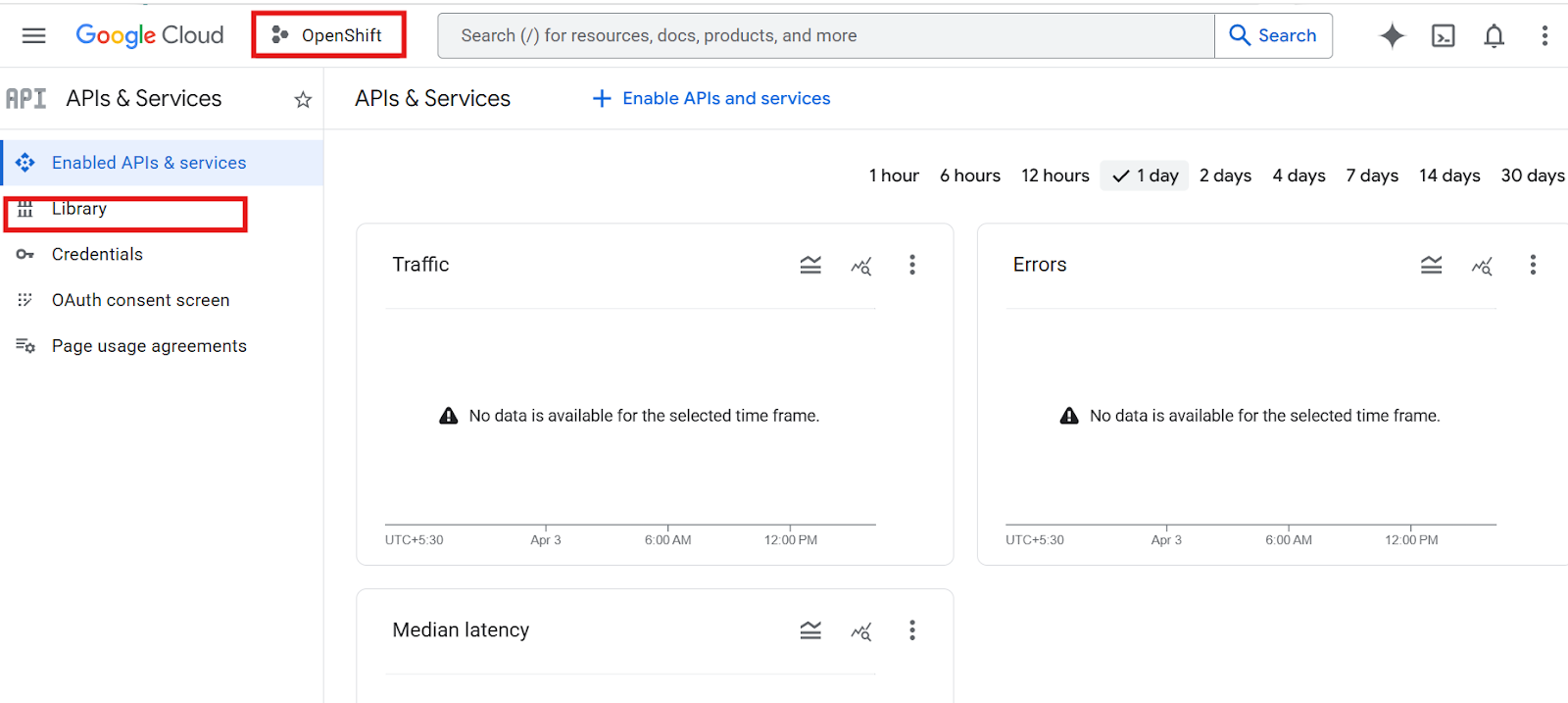
2. Click "Library"
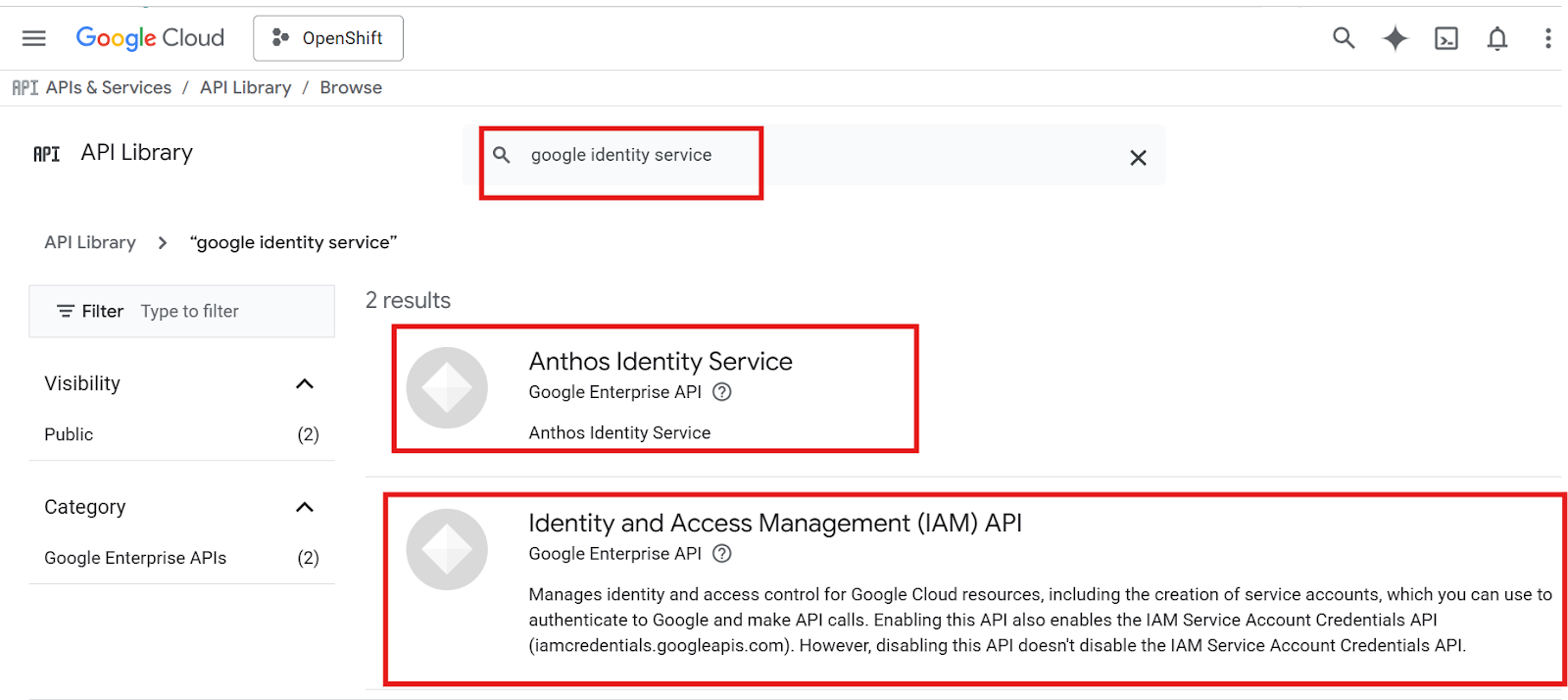
3. Search:
Google Identity Services
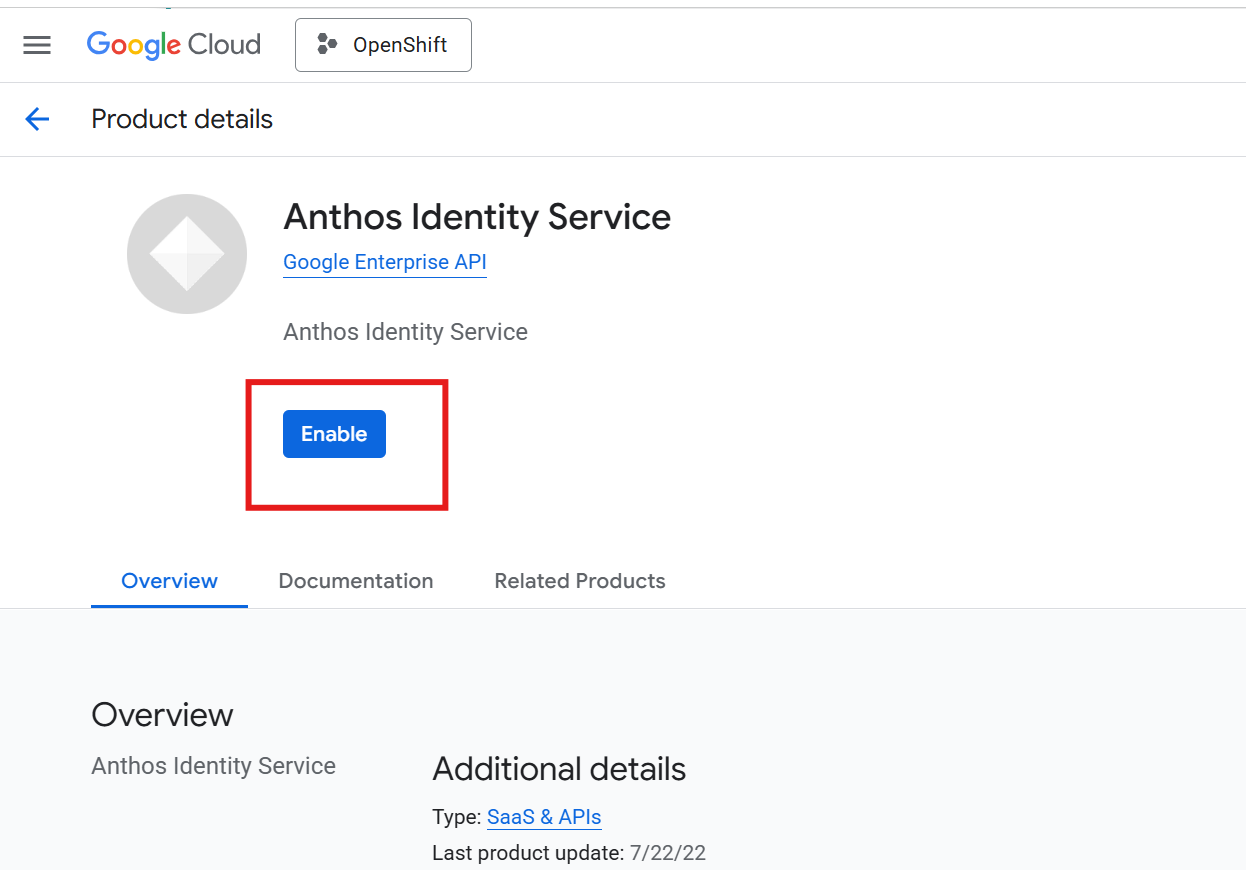
4. Click "Enable"
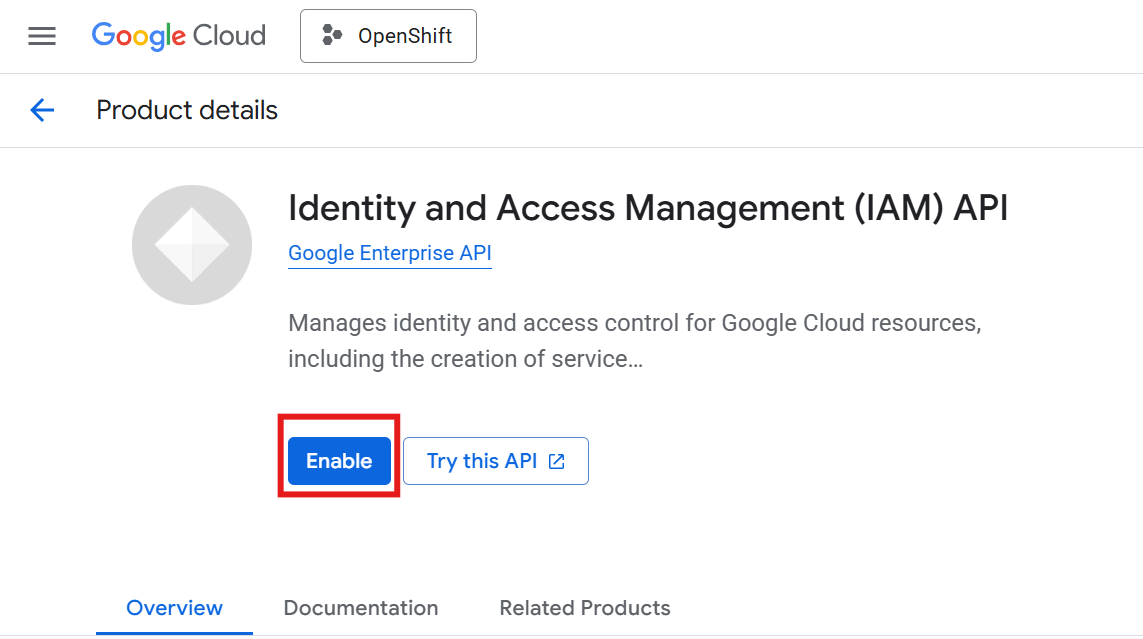
Expected Result
API status shows as "Enabled"

No comments to display
No comments to display