Getting Started
1. Visit www.iventura.ai
Welcome to our iVentura ! ! !
It is a one-stop self-service platform for analytics and Machine Learning that provides a collection of ML components and services natively running on Kubernetes.
It is free for students and professionals.
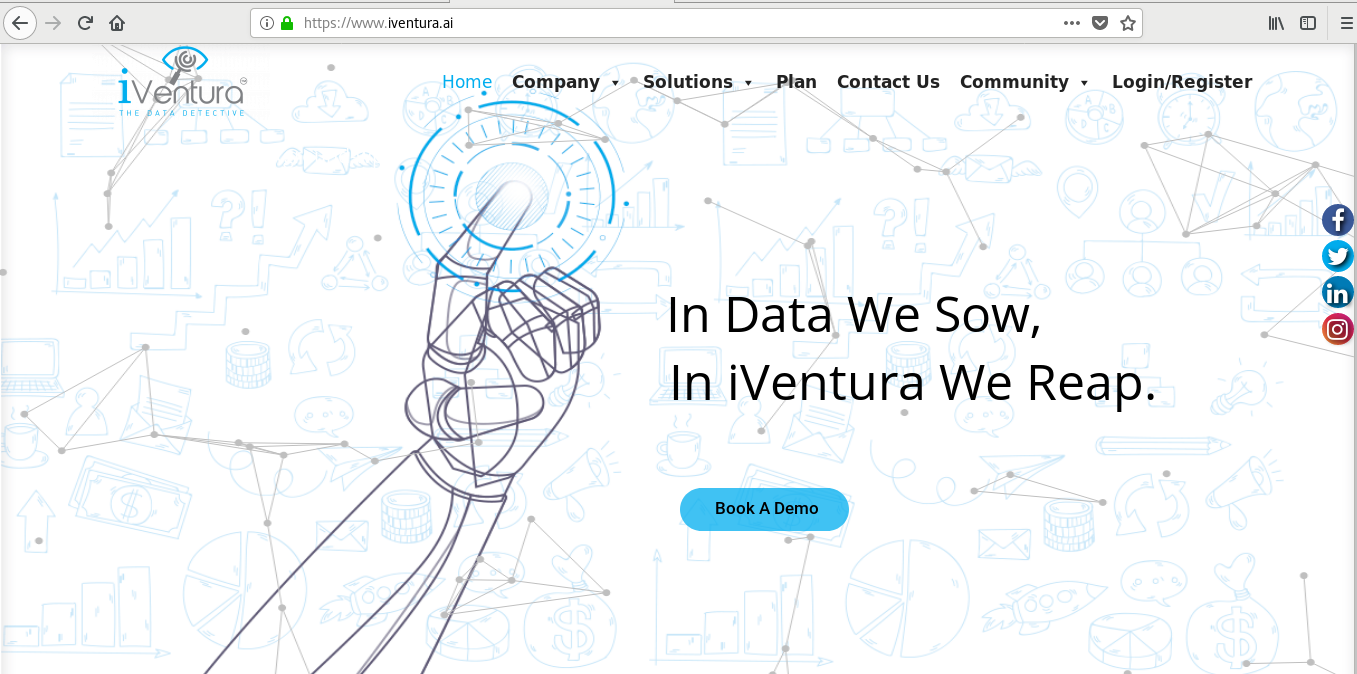
2. Click on Login/Register and Subscribe the Free Tier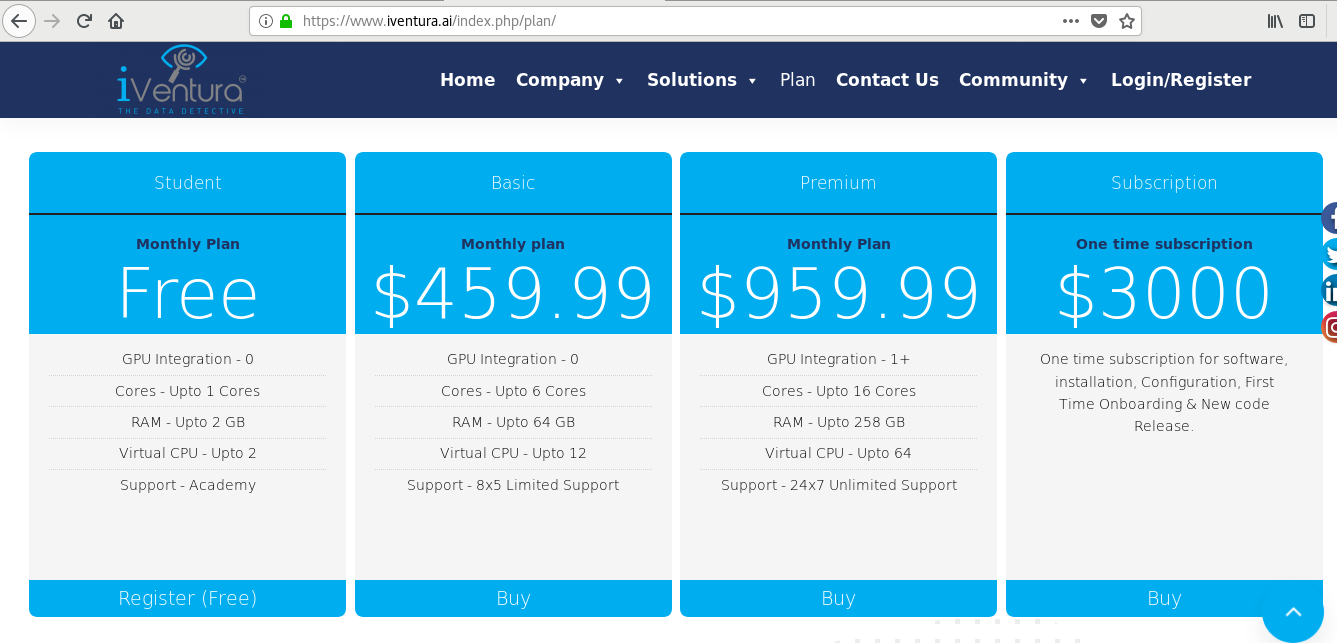
3. Get authenticated using Google/Github/Linkedin or create your account on iVentura
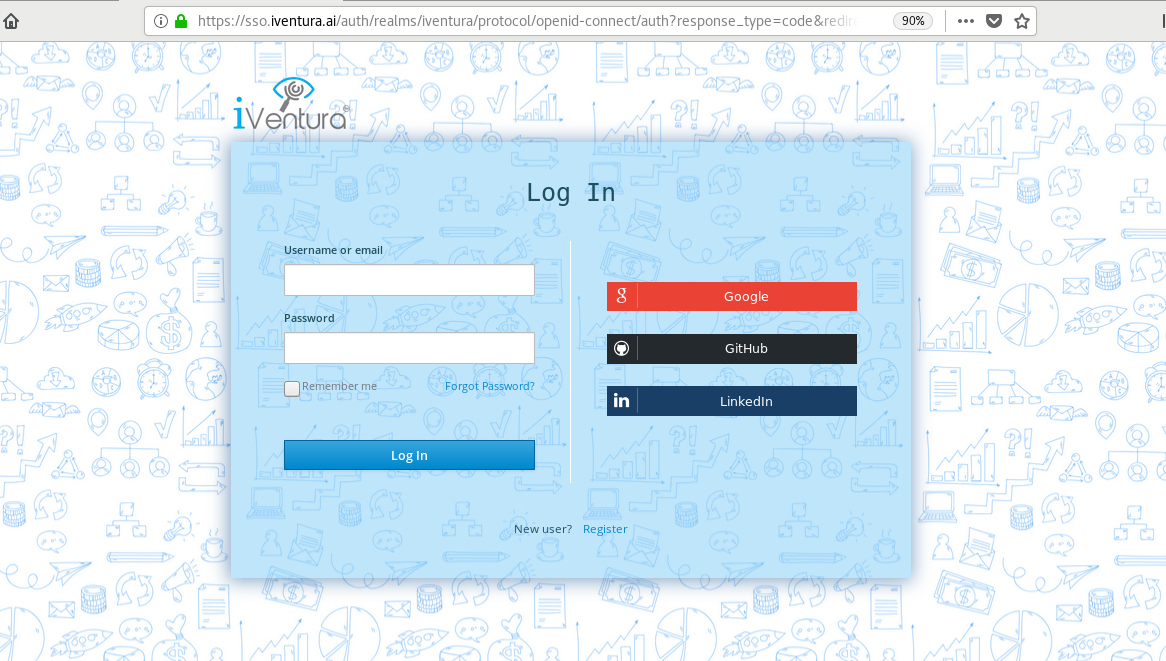
4. You will be asked to reconfirm for security reason
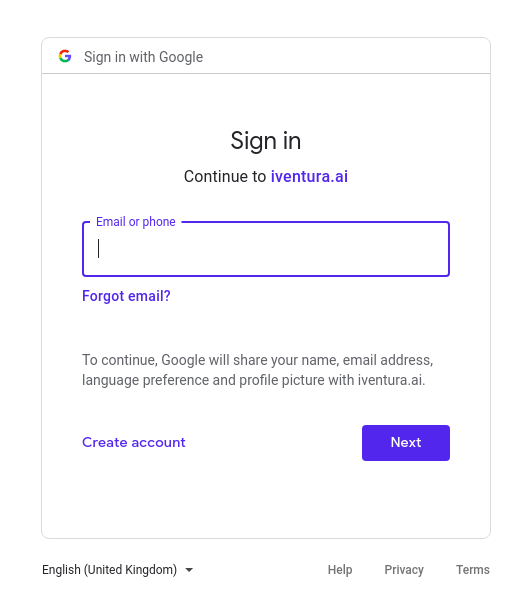
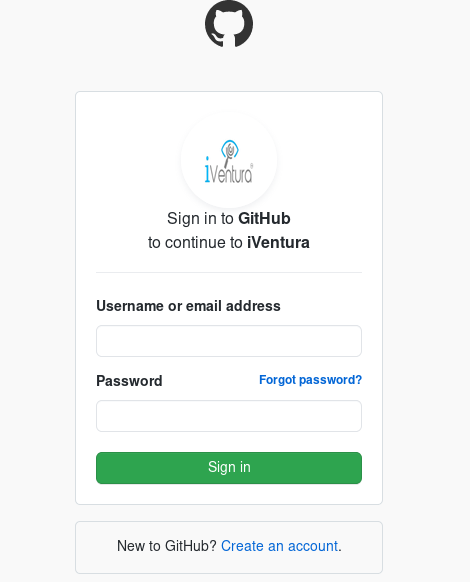
5. Now you have a Workspace, Model, and Charts
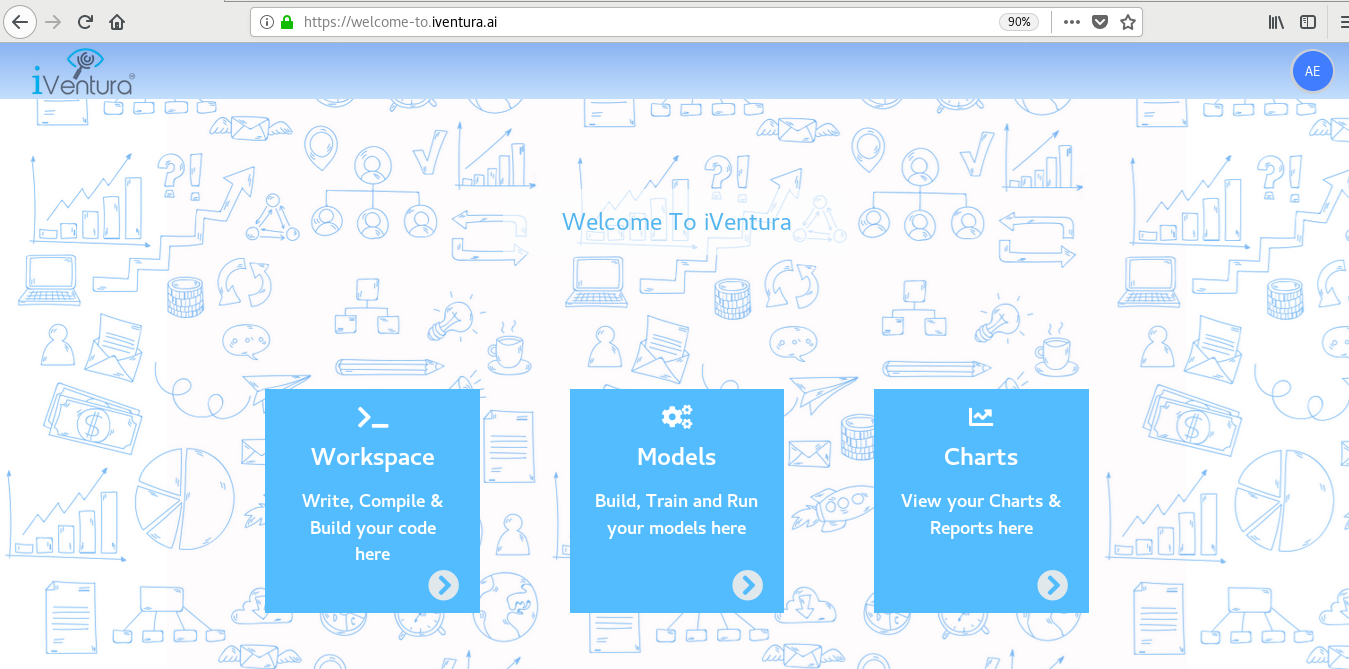
5a. iVentura Workspace
It is a fully configured development environment and the most flexible way to do Machine learning, Deep learning. It supports all major ML frameworks like Scipy, Tensorflow, Scikit learns, Plotly Express, etc.
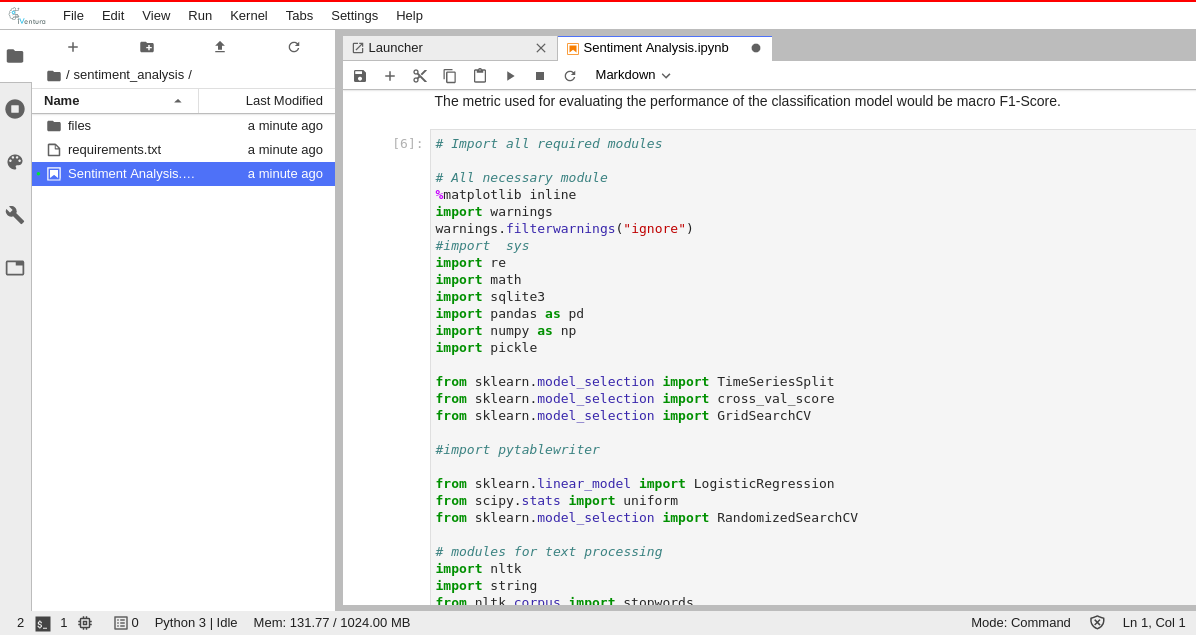
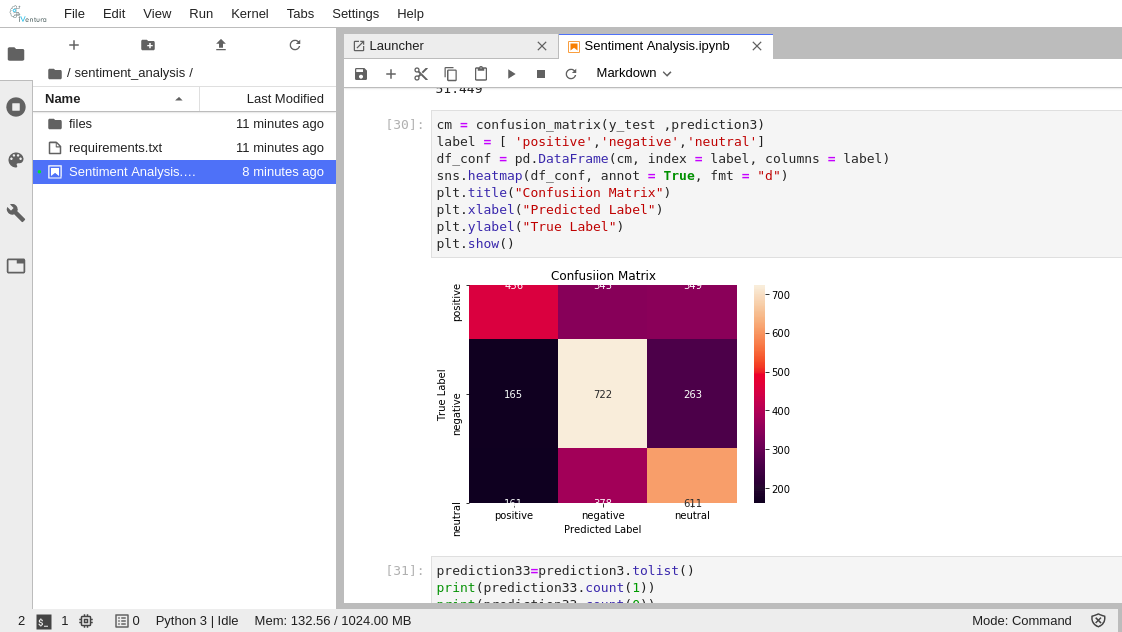
5b. iVentura Model Serving Framework
It provides you a platform to build your ML Model and deploy it on Kubernetes Engine. It includes support for debugging, embedded Git control and GitHub, syntax highlighting, intelligent code completion, snippets, and code refactoring. It is highly customizable, allowing users to change the theme, keyboard shortcuts, preferences, and install extensions that add additional functionality.
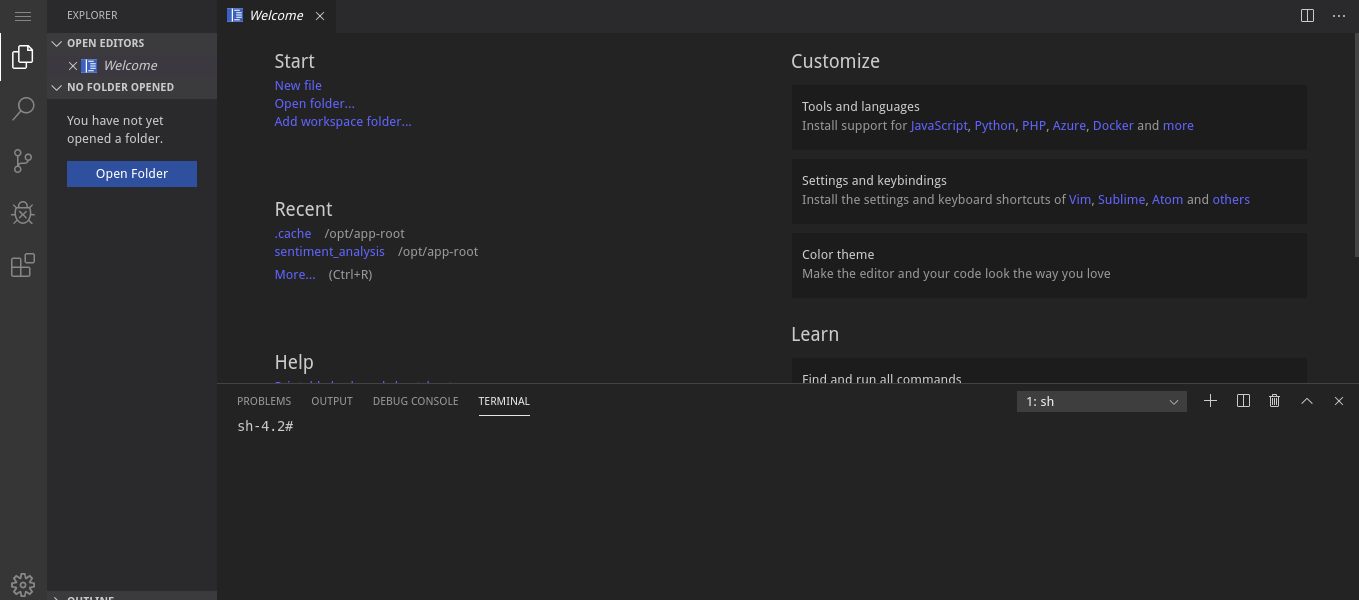
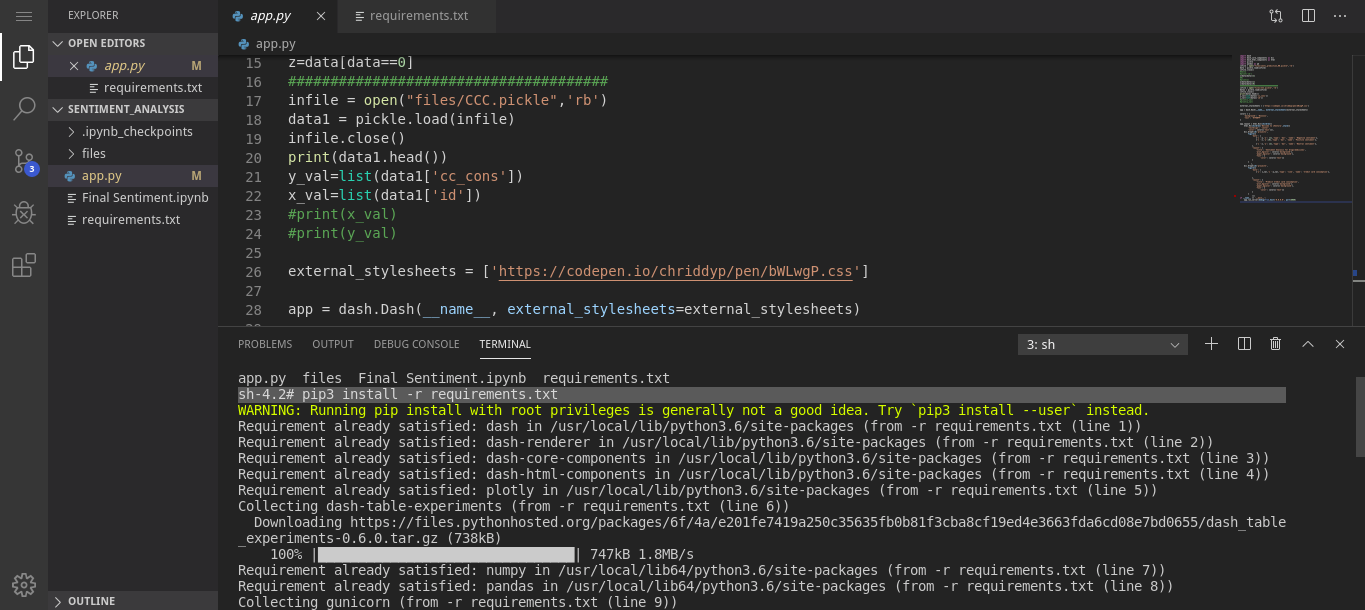
Deploy model to Production
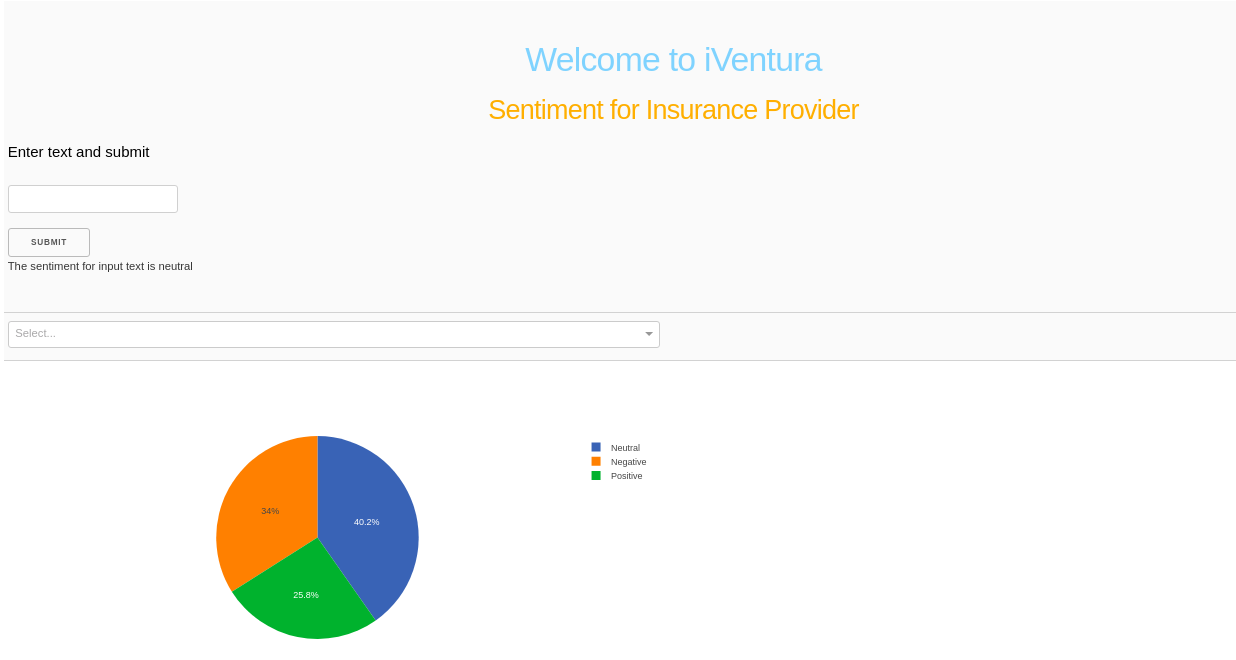
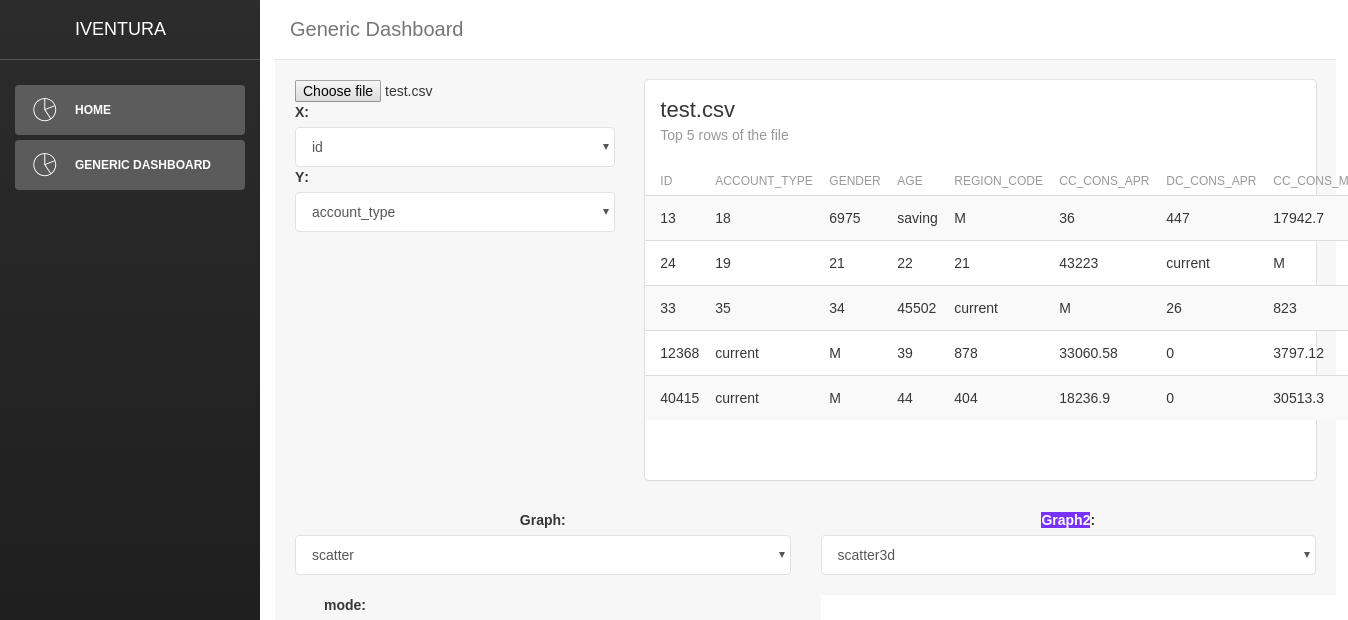
5c. iVentura Charts
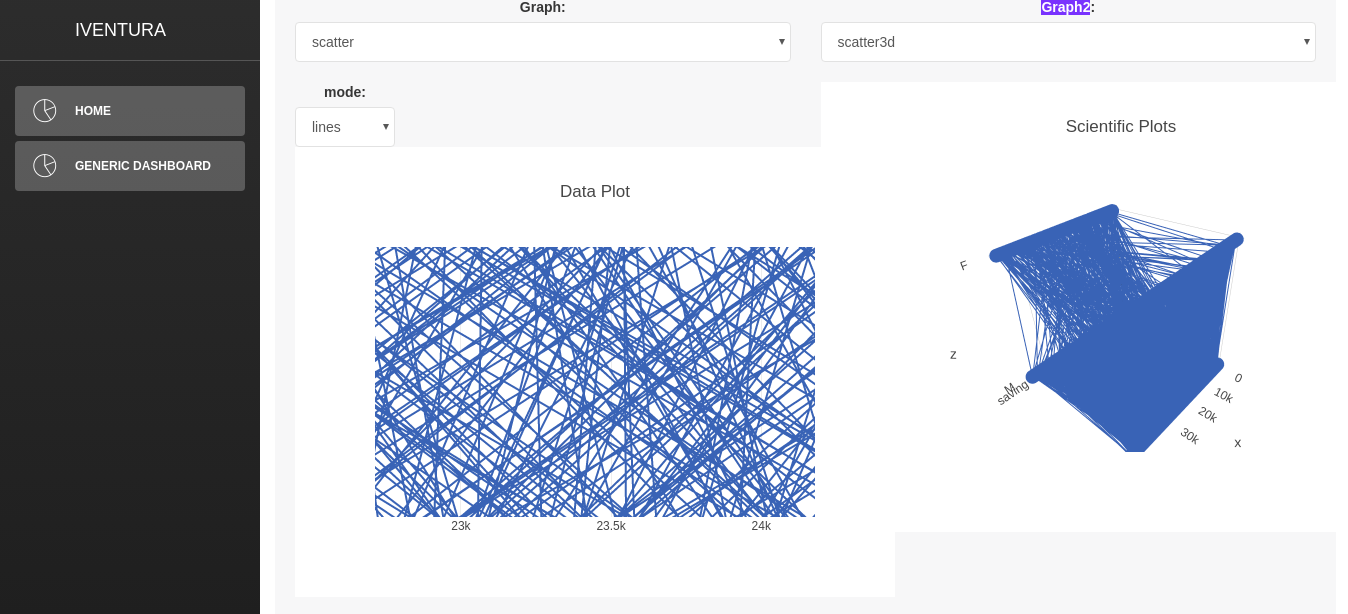
It provides you a facility to visualize your data.
· You can upload the data file like .csv, .xlsx format from your laptop/system
· It contains different kinds of visualization graphs. You can pick the graph based on the requirement.
· Example CSV file: https://github.com/prodevans/CSV.git